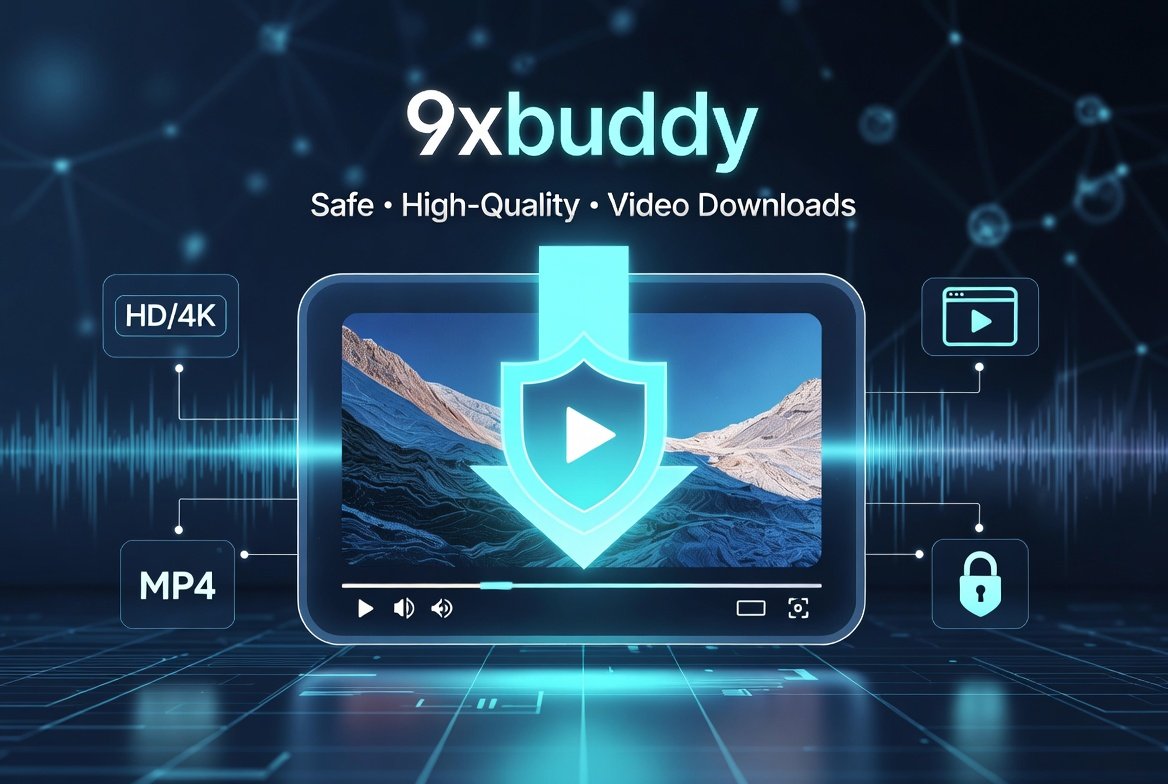
In today’s digital world, saving videos from platforms like YouTube, Facebook, Twitter (X), Dailymotion, and hundreds of others has become essential for creators, educators, students, and casual viewers. 9xbuddy stands out as a popular, free online video download helper that makes this process straightforward. Whether you’re archiving educational content, saving tutorials, or preserving personal memories shared online, knowing the safest and most effective way to use 9xbuddy ensures high-quality results without compromising your device’s security or the video’s fidelity.
This in-depth guide explores everything you need to know about 9xbuddy — from its core features to proven safety protocols and techniques for maintaining original video quality. By the end, you’ll have actionable strategies to download videos confidently and efficiently.
What is 9xbuddy and How Does It Work?
9xbuddy is an online video download helper designed to extract media from a wide array of websites. Users simply paste a video URL into the tool, and it processes the link to provide downloadable options in various formats and resolutions.
Unlike traditional software that requires installation, the primary 9xbuddy service operates directly in your browser at its official domain. It supports videos, audio tracks, subtitles, and sometimes playlists from over a thousand sites. The tool detects available streams and presents choices ranging from standard definition to higher resolutions where supported by the source.
Key strengths include its no-installation simplicity, broad site compatibility, and free access. Modern versions and associated apps also offer features like built-in trimming and format conversion for added convenience.
Why Users Choose 9xbuddy for Video Downloads
The appeal of 9xbuddy lies in its accessibility. No registration or payment is typically needed for basic use, making it ideal for occasional downloads. It processes links quickly and offers multiple quality options, helping users balance file size with visual clarity.
For educators saving lecture recordings or marketers archiving campaign videos, it provides a lightweight solution. Its browser-based nature means it works across devices — desktops, laptops, and mobiles — without heavy resource consumption.
Step-by-Step Guide: Safest Way to Use 9xbuddy
1. Access the Official 9xbuddy Site Securely
Always visit the verified official site (commonly 9xbuddy.site) to avoid imitators. Bookmark it for future use.
Expert Tip: Use a trusted browser like Chrome or Firefox with the latest updates. Enable HTTPS-Only mode in settings for added protection.
2. Prepare Your Video URL
Navigate to the source video on its original platform. Copy the full URL from the address bar. For best results, ensure the video is publicly accessible or you’re logged into an account if required for private content.
3. Paste and Process the Link
On the 9xbuddy page, paste the URL into the input field and initiate the process. The tool analyzes the link and displays available download options, including different resolutions (e.g., 360p, 720p, 1080p, or higher) and formats (MP4 is most common).
4. Select Highest Quality Options
To avoid losing quality:
- Choose the highest resolution available with audio included.
- Look for options labeled “HD,” “Full HD,” “4K,” or source quality.
- Prefer MP4 over older formats for better compatibility and compression efficiency.
- Download subtitles separately if needed for accessibility.
Practical Example: Downloading a YouTube tutorial. Paste the link, select 1080p MP4 with audio, and compare file size previews if shown. Higher bitrates preserve detail in instructional visuals like screen recordings or diagrams.
Ensuring Maximum Video Quality: Pro Techniques
Maintaining quality during downloads depends on source availability and tool settings. 9xbuddy extracts streams close to the original when possible.
Factors Affecting Quality
- Source Resolution: You can’t exceed what the platform hosts.
- Format Selection: MP4 with H.264 or H.265 codecs usually offers the best balance.
- Network Stability: Interruptions can corrupt files — use a stable connection.
- Device Capabilities: Download on a capable device for processing.
Actionable Advice:
- Test multiple quality options for the same video and play them back to compare.
- For critical content, download the highest option and use free tools like VLC Media Player to verify integrity.
- Avoid converting formats unnecessarily, as each conversion can introduce minor quality loss.
Real-World Scenario
A graphic designer needs a high-res promotional video from Instagram for a client project. Using 9xbuddy, they select the maximum available resolution, download the file, and import it into editing software. The result retains sharp details and color accuracy suitable for professional use.
Safety Best Practices When Using 9xbuddy
Safety is paramount with any online tool. Here’s how to minimize risks:
- Use Ad Blockers: Install reputable extensions like uBlock Origin to reduce intrusive ads.
- Keep Antivirus Updated: Run scans on downloaded files as a routine.
- Avoid Clicking Suspicious Elements: Stick strictly to the download buttons provided after processing.
- Use a VPN (Optional): For added privacy on public networks.
- Browser Sandboxing: Consider extensions that isolate downloads.
Regularly clear cache and cookies after sessions. These habits make 9xbuddy usage significantly safer for everyday consumers.
9xbuddy Apps: Desktop and Mobile Options
Beyond the web version, dedicated 9xbuddy apps for Android and desktop (Windows) offer enhanced features like bulk downloading, integrated browsers, and built-in editors.
Mobile App Benefits:
- Automatic video detection while browsing.
- Background downloads.
- Trim and convert tools on-device.
Desktop Advantages:
- Faster processing for large files.
- Better support for high resolutions like 4K/8K.
- Batch handling for playlists.
Choose the version that fits your workflow. Always download apps from official stores like Google Play or Microsoft Store.
Comparing 9xbuddy: Benefits vs Drawbacks
Benefits:
- Free and easy to use.
- Broad platform support.
- Multiple quality choices.
- No installation required for web version.
- Regular updates for new sites.
Drawbacks:
- Relies on source availability; some protected content may not work.
- Web version can have variable speeds due to server load.
- Ads on the site (mitigated with blockers).
- Occasional need for retries on complex links.
For most users, benefits outweigh drawbacks when following safety guidelines. Compared to premium software, it excels in simplicity but may lag in advanced automation.
| Feature | 9xbuddy Web | 9xbuddy Apps | Premium Downloaders |
|---|---|---|---|
| Cost | Free | Free/Paid tiers | Subscription |
| Max Resolution | Up to source (4K+) | Up to source | Often higher stability |
| Bulk Download | Limited | Strong | Excellent |
| Ease for Beginners | Excellent | Very Good | Variable |
| Safety (with best practices) | Good | Good | High |
| Ad Exposure | Present | Minimal | None |
Common Issues and Troubleshooting for Quality Downloads
Problem: Low-Quality Options Only Solution: Ensure the source video is high-res. Try refreshing or using the app version. Clear browser cache.
Problem: Download Fails or Slow Solution: Check internet speed, try during off-peak hours, or switch browsers.
Problem: Audio/Video Sync Issues Solution: Download separate audio/video streams if available and merge with free tools like FFmpeg (command-line) or HandBrake.
Expert Tip: For playlists, copy the playlist URL directly. Test one video first to confirm quality settings.
Legal and Ethical Considerations
Downloading videos should respect copyright laws. Use 9xbuddy for personal, fair-use purposes such as offline viewing of public content, education, or archiving your own uploads. Always check platform terms of service. Public domain or Creative Commons videos are safest.
Advanced Tips for Power Users
- Bookmarklet for Faster Access: Many versions offer a bookmarklet for one-click processing from any page.
- Batch Processing: Use app versions for multiple links.
- Format Conversion: Convert to MP3 for audio-only after downloading video.
- Quality Verification: Use media info tools to check bitrate and codec post-download.
- Storage Management: Organize downloads into folders by resolution or topic.
Real-World Example: A teacher compiling a resource library downloads lecture series in 720p or higher, trims intros/outros using built-in tools, and stores them offline for classroom use without internet dependency.
Alternatives and When to Consider Them
While 9xbuddy is excellent for many, dedicated software or browser extensions may suit heavy users better for consistent high-quality results and fewer interruptions. Research options based on your needs, prioritizing reputable tools with good reviews.
For more insights on digital tools and tech solutions, explore resources like Businesstomark for consumer technology guides and reviews.
Maintaining Your Downloads: Organization and Playback
After downloading:
- Rename files descriptively (e.g., “Tutorial_Title_1080p.mp4”).
- Use media players like VLC for optimal playback.
- Back up important files to cloud storage or external drives.
- Periodically check for updates to the tool for better compatibility.
Frequently Asked Questions About 9xbuddy
Is 9xbuddy safe to use? With proper precautions like using the official site, ad blockers, and antivirus, it is generally considered safe for standard use.
Can I download 4K videos with 9xbuddy? Yes, where the source provides it and the tool detects the stream.
Does it support playlists? Web version has basic support; apps offer stronger bulk features.
What if a video doesn’t download? The platform may have protections. Try alternative links or check for site updates.
Conclusion: Download Smarter with 9xbuddy
9xbuddy provides a convenient, accessible way to save online videos while preserving quality when used correctly. By sticking to the official site, selecting highest available resolutions, employing safety tools like ad blockers and updated security software, and following the step-by-step processes outlined here, you can enjoy reliable, high-fidelity downloads for personal and educational needs.
Key Takeaways:
- Always verify the official 9xbuddy source.
- Prioritize highest quality streams with audio.
- Combine with good digital hygiene for safety.
- Test and verify files for critical projects.
- Respect content creators’ rights.
Make informed choices based on your usage patterns. For occasional needs, the web tool shines; for frequent or bulk work, explore the apps. With these practices, you can confidently use 9xbuddy to build your offline video library without quality compromise or unnecessary risks.
For more technology tips, productivity hacks, and tool reviews, visit Businesstomark — your go-to hub for insightful business and tech content.
Related posts:
![Surface Laptop 3 Cracked Screen]()
Dealing with a Surface Laptop 3 Cracked Screen: A Comprehensive Repair Guide
Tech Software![13-inch MacBook Pro Display Backlight Service Program: Complete Guide]()
13-inch MacBook Pro Display Backlight Service Program: Complete Guide
Tech Software![n8n http request node documentation]()
The Power of n8n HTTP Request Node Documentation for Seamless Automation
Tech Software![Hard Drive File Recovery: Restore Deleted Hard Drive Data Fast and Easily]()
Hard Drive File Recovery: Restore Deleted Hard Drive Data Fast and Easily
Tech Software![Best Budget Smartphones to Buy]()
What Are the Best Budget Smartphones to Buy in 2026?
Tech Software![macOS Golden Gate 27]()
What Is macOS Golden Gate 27 and What's New in the Update?
Tech Software